
- Open Prospect
- Click Templates
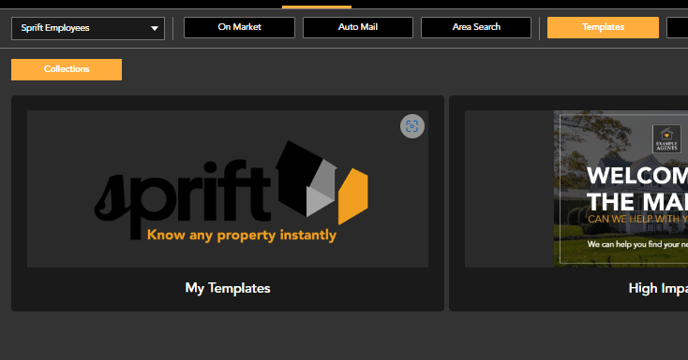
- Select 'My Templates'
- Click the upload symbol '+'

- The template uploader pop up will appear
- Choose Template Collection and Product Type
Template Collections
On Market - Templates will be available to use when mailing addresses show within the 'on market' section.
Auto Mail / Area Search - Templates will be available to use within Auto Mail / Area Search sections.
All - Templates will be available to use across all sections of the platform
Product Types
A5 - Postcards
A4 - Letters
- Upload your file in PDF format

PDF files are not editable on the platform. Any fields you want to be editable will need to be added on the platform.
Postcards should be uploaded without crop marks but with bleed, please follow the guide below.
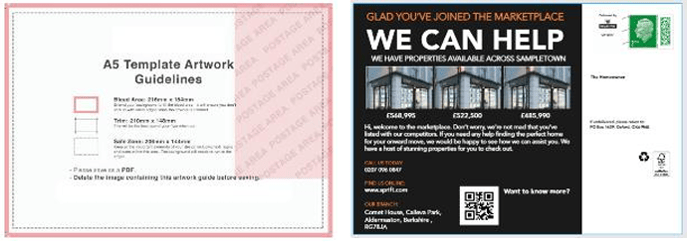
Space will be required, as highlighted in the example above, for the stamp and recipient address.
Template Notes
- Edits made to templates within ‘My Templates’ will save for all future sends, the template can be edited at point of order but any changes made in the editor at basket stage will only save for that specific order.
- All templates saved or uploaded to My Templates are available to all users assigned to the
branch. - Images should be at least 300dpi.
Agree to Sprift terms & conditions and name your template > Save
- Your template will then be saved in 'My Templates'
