
In some instances the images / floorplan you see in the gallery may not match the live listing on the portals.
If images are already showing within the gallery, delete these and the listings will refresh.
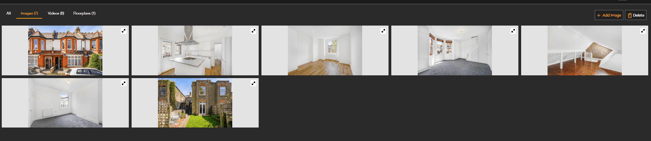
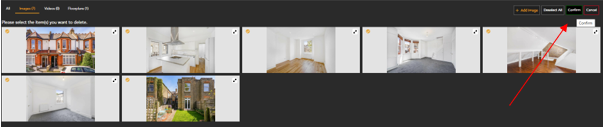
To do this follow the below steps:
- Open Gallery > Select delete (top right hand corner) > Select all > Confirm
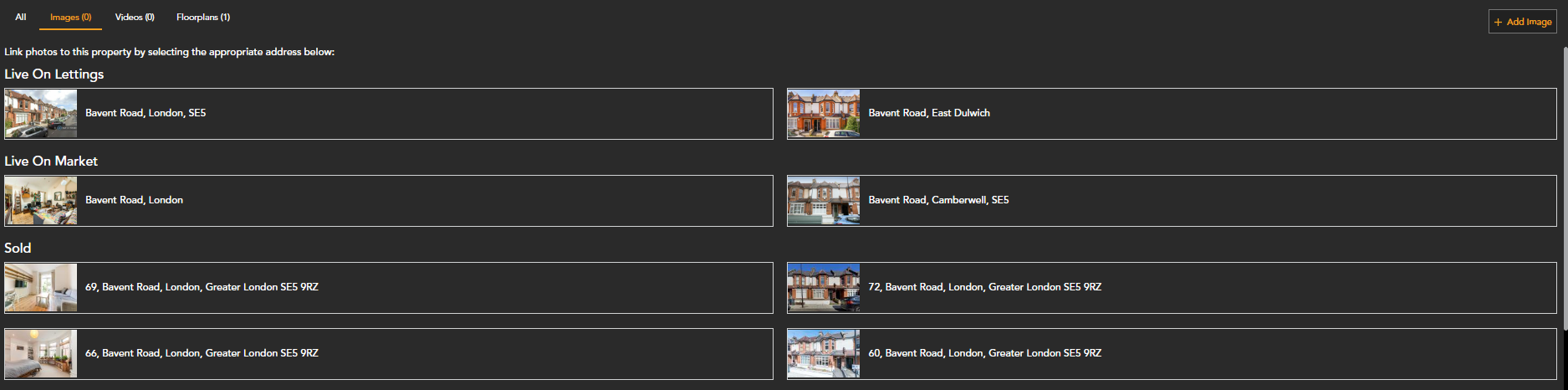
- Select the correct listing from the options shown
If you have any questions or run into any issues, don't hesitate to reach out to our support team at customer.success@sprift.com or 0207 096 0847.
We're always here to help you get the most out of the platform.