
You may wish to disable an interactive report link to stop it being viewed. This can be done within the reports tab of your Sprift login:
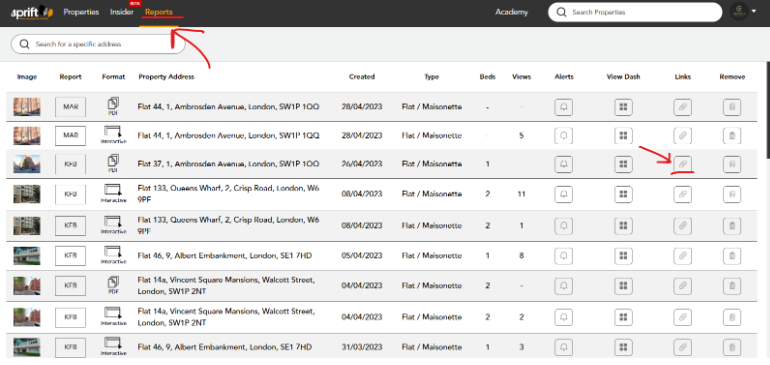
- Click on the reports tab on the top menu bar
- Select the paperclip symbol on the report line you wish to disable
- A pop up will appear to confirm this action
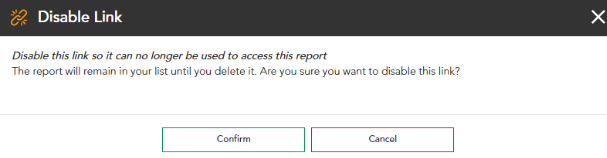
- Once confirmed the link will be deactivated.
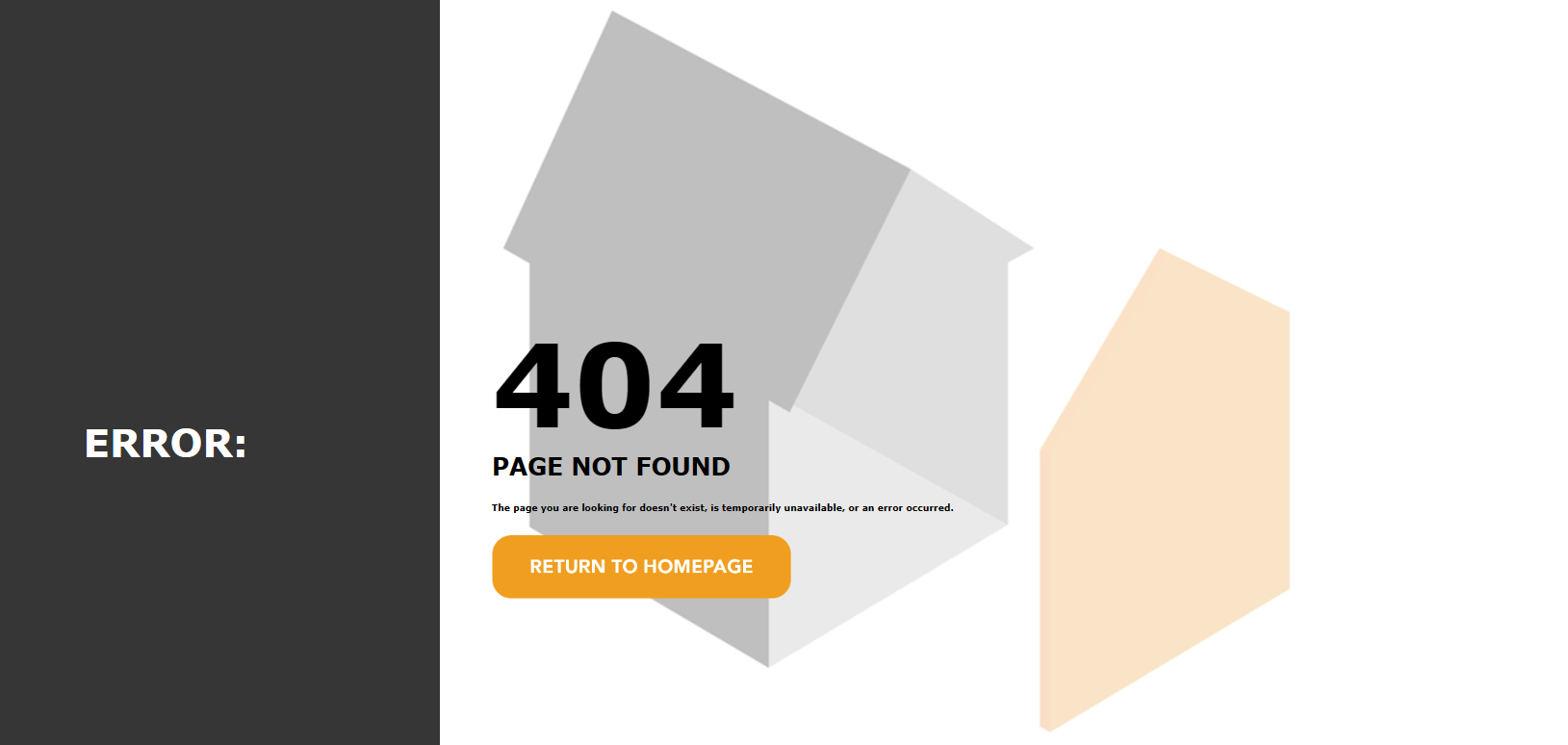
- Any attempts to view the report will be diverted to the following error page
If you have any questions or run into any issues, don't hesitate to reach out to our support team at customer.success@sprift.com or 0207 096 0847.
We're always here to help you get the most out of the platform.