
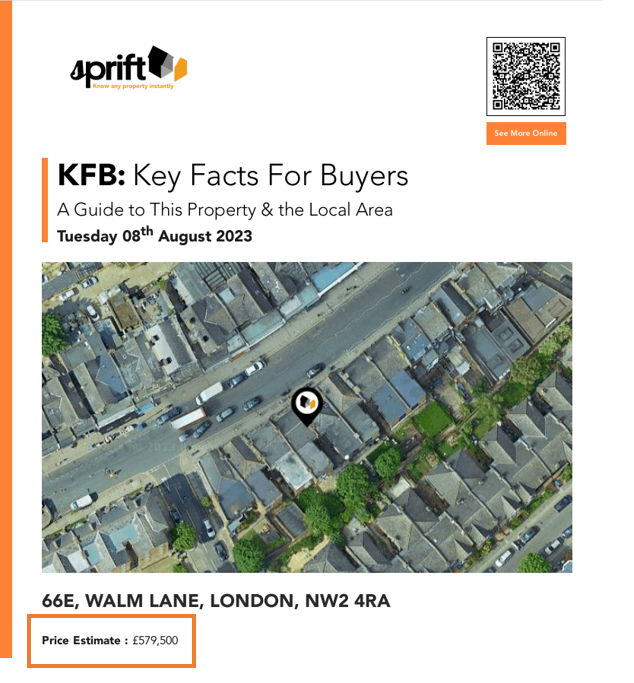
Whether you're creating a Market appraisal report and want to showcase your local knowledge to potential vendors or creating a key facts for buyers report to use as property particulars, adding the price to the front of the reports can be highly beneficial.

The price can be included or excluded from the front page using the 'select pages' tab within report builder
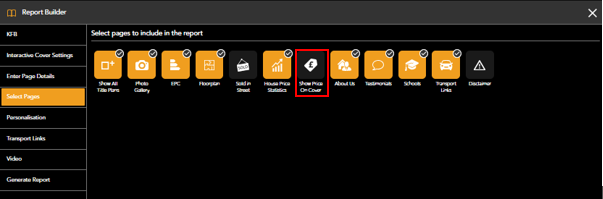
Orange highlighted tabs will be included in the report
You can change the price and pricing type easily on the property dashboard, please see: Edit The Price
If you have any questions or run into any issues, don't hesitate to reach out to our support team at customer.success@sprift.com or 0207 096 0847.
We're always here to help you get the most out of the platform.