
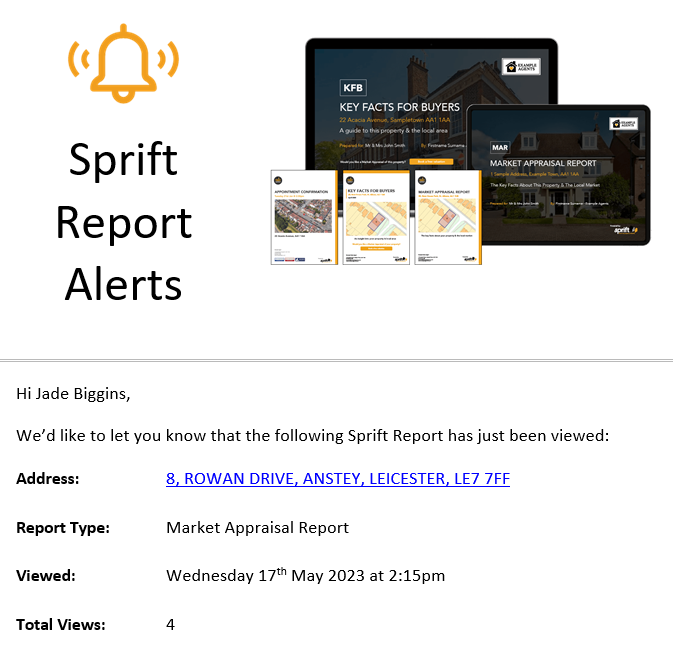
You will receive an email notification from CustomerActivity_NoReply@sprift.com each time one of your interactive reports is opened.
The email will provide you with the report address, report type, time of viewing and the total number of views.
These notification emails can be disabled within your Sprift login.
- Click on the reports tab and select the bell symbol on the report for which you wish to disable notifications

If you have any questions or run into any issues, don't hesitate to reach out to our support team at customer.success@sprift.com or 0207 096 0847.
We're always here to help you get the most out of the platform.