
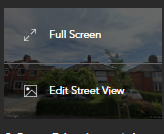
To edit the street view on the dashboard, simply hover over the street view image. This will allow you to make changes to the view to ensure that it accurately reflects the property.
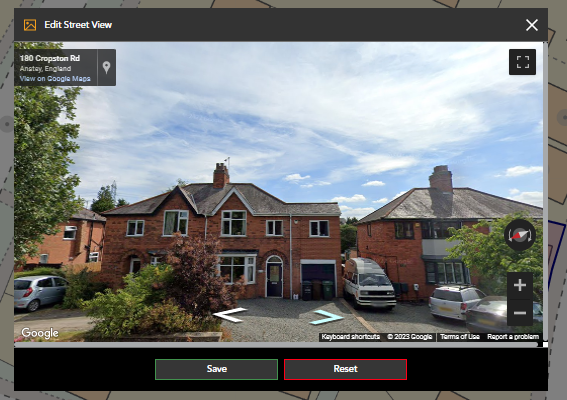
By clicking on 'Edit Street View', a pop-up will appear, providing you with the option to navigate to the property and save a new street view. With this feature, you can make sure that your dashboard always shows the most up-to-date information.
- Select 'Edit Street View'
- A Pop up will open, from here you will be able to navigate to the property and save a new Street View.
Watch our step by step guide:
If you have any questions or run into any issues, don't hesitate to reach out to our support team at customer.success@sprift.com or 0207 096 0847.
We're always here to help you get the most out of the platform.