Filtering Results
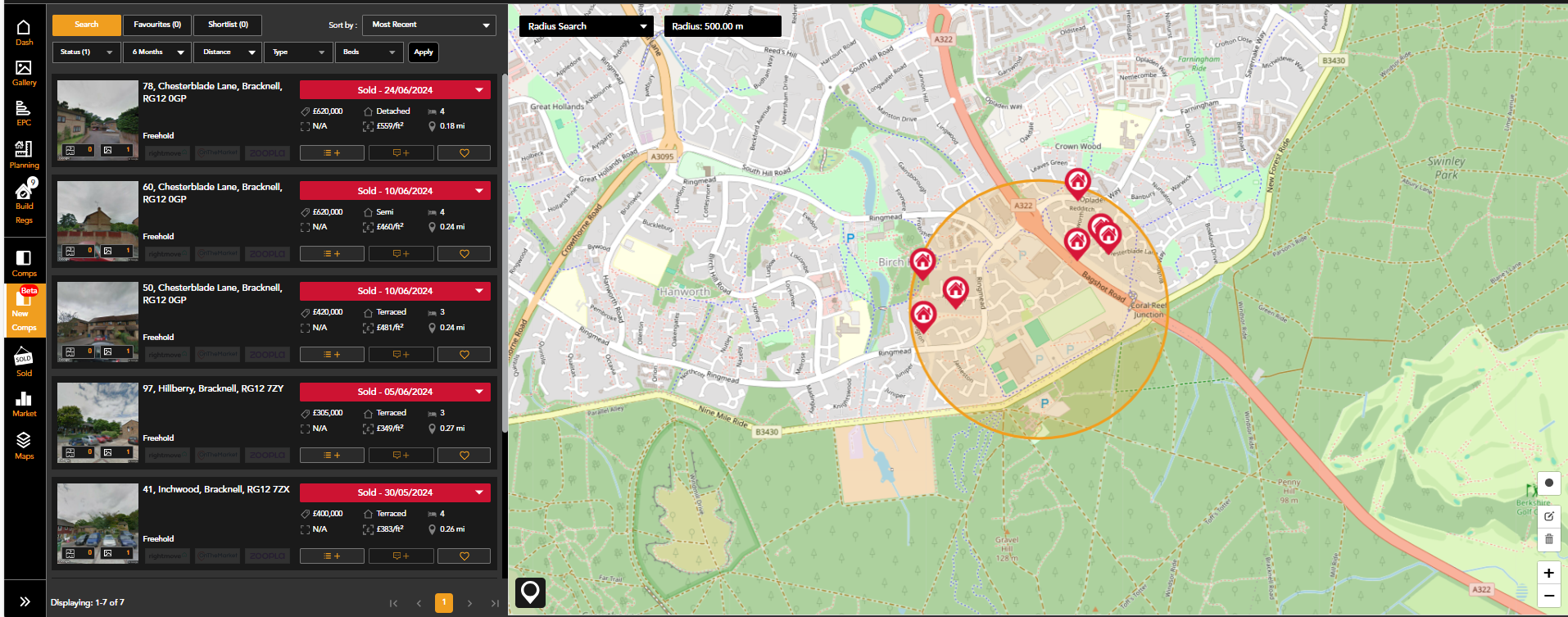
The comparables tool will load showing properties with a sold date in the last six months, within 0.5 miles of the property dashboard you have opened.
The quick filters allow you to amend this search depending on:
- Listing status:
For Sale, SSTC, Withdrawn, To Let and Let Agreed
- Date Range
- Distance from target property
- Property Type e.g. detached, flat
- Bedrooms
Once you have selected your filters, click 'apply'. The map view and list will then populate to include all properties that match your search criteria.

You can then further refine your results with additional filters found in the pin icon on the map:


You can also search for a specific comparable property address from this menu:

Map Tools
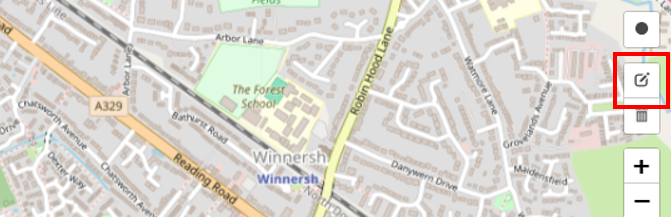
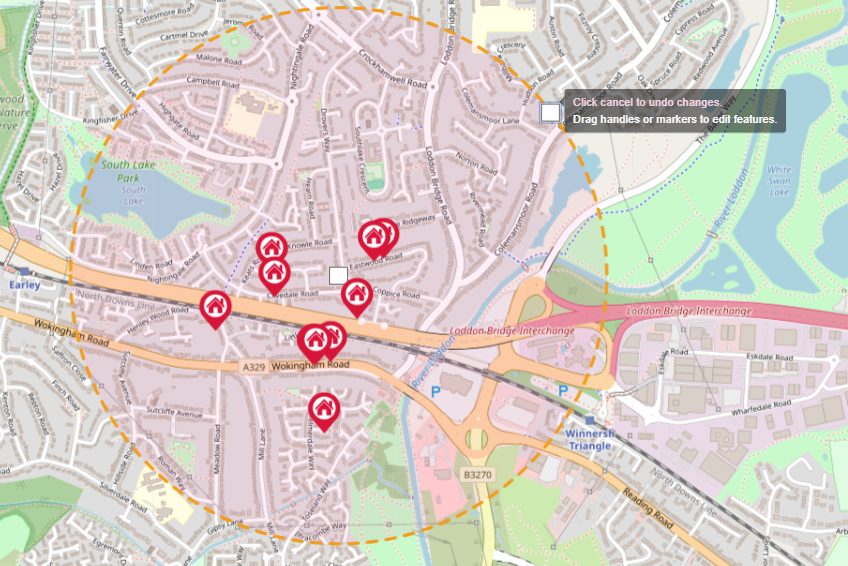
In addition to the distance filter you can adjust the size of your radius by increasing or decreasing the circle. This can be edited by using the edit layers button and dragging the outside marker
 .
.
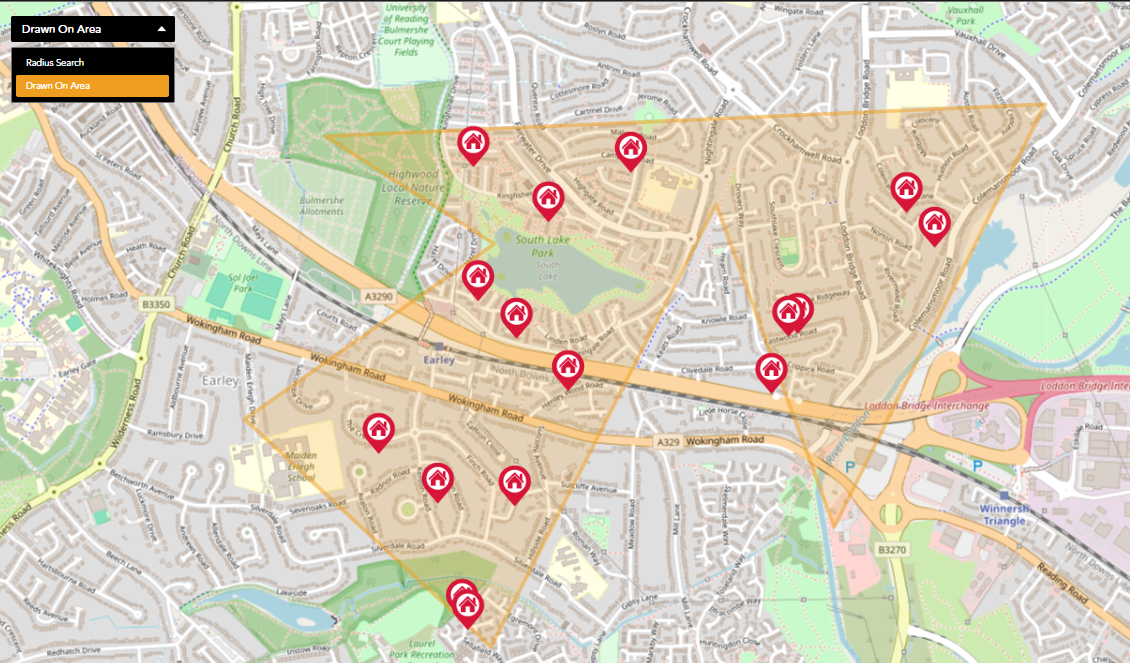
With the Map tools you are also able to draw a specific search area using the search type drop down.
One you have finished drawing your area and the last point meets the first the comparable results will re-populate.